
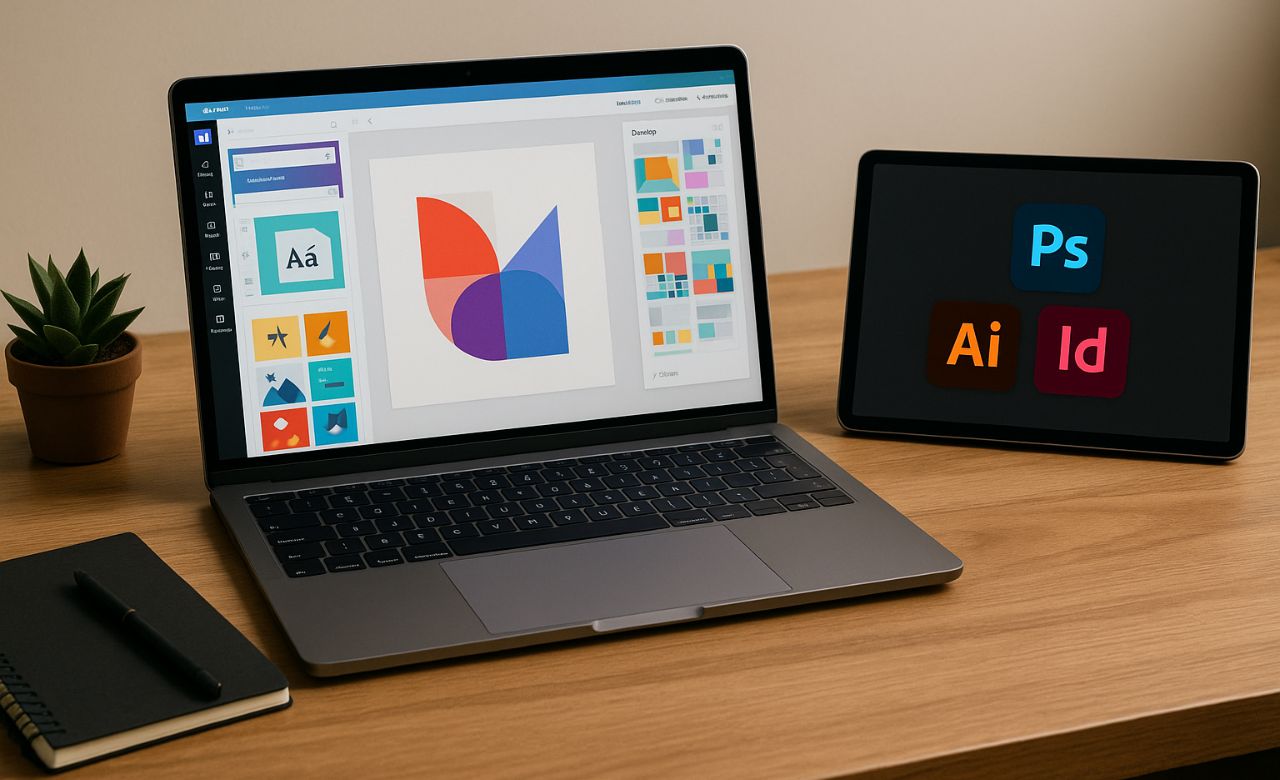
Graphic design is a powerful skill in the digital age—whether you’re creating social media posts, business flyers, websites, or branding materials. Thanks to tools like Canva and Adobe Creative Cloud, getting started in design is more accessible than ever, regardless of your experience level.
This guide will introduce you to the basics of graphic design and help you choose the right tool to begin your creative journey.
1. What Is Graphic Design?
Graphic design is the art of visually communicating ideas using typography, images, colors, and layout. It blends creativity with structure, allowing designers to inform, inspire, and influence through visuals.
Common Applications:
- Social media graphics
- Posters and flyers
- Logos and branding
- Presentations
- Web and app interfaces
2. Canva vs. Adobe: Choosing Your Design Tool
Canva: Ideal for Beginners and Non-Designers
Canva is a web-based design platform known for its ease of use, drag-and-drop interface, and ready-made templates.
Key Features:
- Thousands of free and premium templates
- Easy-to-use tools for text, images, and color
- One-click resizing for multiple platforms
- Great for social media, presentations, flyers, and posters
Best For:
- Small business owners
- Students
- Social media managers
- Anyone without prior design experience
Adobe Tools: Professional-Level Design
Adobe offers industry-standard design tools like:
- Photoshop: for photo editing and digital art
- Illustrator: for vector graphics and logos
- InDesign: for print and layout design
Key Features:
- Full creative control
- Precision editing
- Industry-standard file formats and exports
- Powerful for branding, advertising, and publishing
Best For:
- Professional designers
- Brand agencies
- Photographers and illustrators
- Advanced creative projects
3. Getting Started: Step-by-Step
A. Define Your Purpose
- What are you designing? (A poster, a social media post, a logo?)
- Who is your audience?
B. Choose the Right Tool
- For quick, simple projects → Canva
- For advanced or custom work → Adobe
C. Explore Templates and Inspiration
- Use Canva’s template library or Adobe Stock for creative inspiration.
- Browse design platforms like Behance or Dribbble.
D. Understand Basic Design Principles
- Hierarchy: Make key elements stand out.
- Contrast: Use colors and fonts to create visual interest.
- Alignment: Keep elements orderly.
- Balance & Spacing: Don’t overcrowd your layout.
E. Start Designing
- Add your text and visuals
- Use consistent fonts and brand colors
- Preview and refine your design
F. Export Your Work
- Canva: PNG, JPG, PDF, or MP4
- Adobe: Offers detailed format options like PSD, AI, INDD, SVG, etc.
4. Tips for Improving Your Design Skills
- Watch YouTube tutorials for Canva and Adobe tools.
- Take short courses on platforms like Skillshare, Coursera, or Hitimu Academy.
- Practice regularly—redesign existing graphics or create fake projects.
- Follow design trends on Pinterest or Instagram.
Key Takeaways
- Graphic design is essential for visual communication.
- Canva is great for beginners, while Adobe tools offer professional-grade capabilities.
- Understanding design principles is more important than fancy tools.
- Start small, practice often, and let creativity lead the way.


Leave a Reply