
The internet is often experienced as a single space where people search, communicate, work, study and buy products. Technically, however, it is not one machine or one central network. It is a vast system of interconnected networks that enables devices to exchange data using agreed technical rules.
Understanding how the internet works helps you make better decisions about connectivity, online security, digital services and business technology. It also makes everyday problems easier to diagnose: a slow connection, a website that will not load or a video call that keeps freezing can each have different causes.
What the Internet Is
The internet is a global network of networks. Home networks, school networks, company systems, mobile networks, data centres and internet service provider networks connect to one another and exchange information. No single organisation owns the entire internet, although many organisations operate important parts of its infrastructure.
A device can join the internet through fibre, a mobile network, fixed wireless service, satellite, cable or another access method. Your internet service provider, commonly called an ISP, connects your local network to wider networks. In Kenya, for example, a household or business may use fibre in an urban area, a mobile data connection in a rural area or fixed wireless access where laying cables is difficult.
The internet should also be distinguished from the World Wide Web. The web is a collection of websites and web applications that use the internet. Email, online gaming, voice calls, file transfers and many mobile applications also use the internet, but they are not all part of the web.
The Basic Journey of Online Data
When you open a website, send a message or upload a document, the information is divided into smaller units called packets. Packets are easier for networks to manage than one large, continuous block of data. Each packet contains part of the information and control details that help it reach the correct destination.
A simplified journey looks like this:
- Your device creates a request, such as asking for a web page.
- The request passes through your Wi-Fi router or mobile connection.
- Your ISP forwards it towards the destination network.
- Routers examine the destination information and choose routes for the packets.
- The destination server receives the packets and sends a response.
- Your device reassembles the response and displays the page, plays the media or delivers the message.
Packets do not necessarily all travel along exactly the same physical route. Networks continually make routing decisions based on available paths, congestion, failures and network policies. This distributed design helps the internet continue operating even when some equipment or routes are unavailable.
Devices That Make the Internet Work
Your device
A phone, laptop, tablet, smart television or other connected device creates and receives data. It uses network hardware and software to communicate with local equipment and remote services.
The router
A router directs data between networks. In a home, the router commonly connects local devices to the ISP. Many home routers also provide Wi-Fi, assign local network addresses and apply basic security rules. In a business, routers may handle several connections, virtual networks and more detailed traffic controls.
Switches
A switch connects devices within a local network, such as computers and printers in an office. It forwards data to the appropriate device on that local network rather than sending every piece of traffic everywhere.
Servers and data centres
A server is a computer or system that provides a service to other devices. A web server may deliver pages, while an application server processes orders or account requests. Data centres contain the computing equipment, storage, power systems and cooling infrastructure needed to run many online services.
Undersea and terrestrial cables
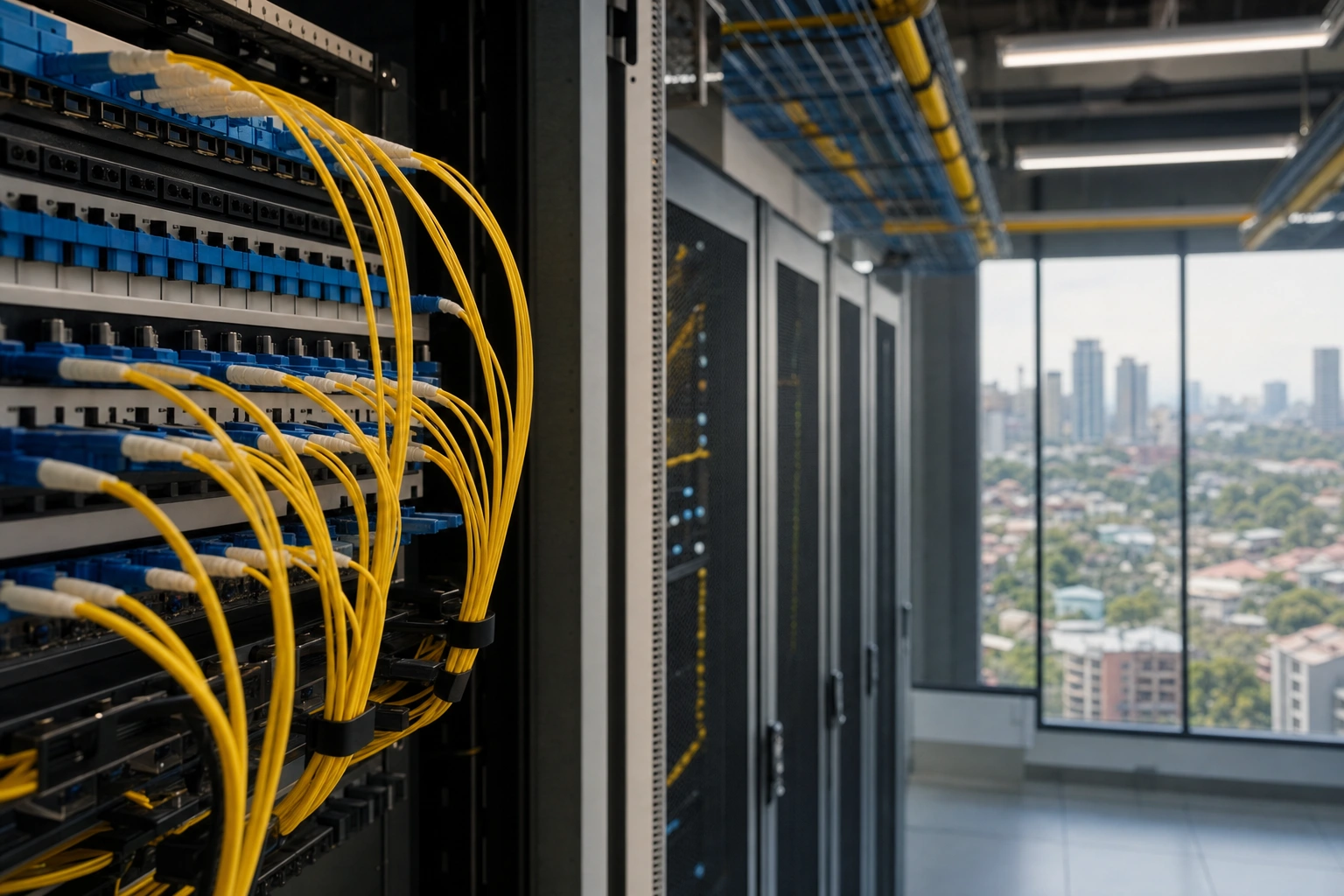
Much internet traffic travels through fibre-optic cables. Fibre sends information as pulses of light and can carry large amounts of data over long distances. International communication often depends on undersea cables, while terrestrial fibre, microwave links and other systems connect cities, organisations and local access networks.
Addresses: How Devices and Services Are Found
Networks need ways to identify destinations. An Internet Protocol, or IP, address identifies a network interface or destination in a particular network context. IPv4 addresses are written as four numbers separated by full stops, while IPv6 uses a longer hexadecimal format designed to provide a much larger address space.
People generally use names rather than numerical addresses. When you enter a domain such as a website address, the Domain Name System, or DNS, helps translate that human-friendly name into an IP address. DNS can be compared with an internet directory, although it is a distributed technical system rather than one single book.
For example, when a browser needs to load a domain, it may first ask a DNS resolver for the associated address. The resolver may already have the answer stored temporarily in its cache. If not, it consults other DNS servers before returning an address to the browser. This process usually happens quickly, but DNS problems can prevent a website name from resolving even when the physical internet connection is working.
Protocols: The Rules of Communication
Different internet activities use protocols, which are agreed rules for formatting, sending, receiving and interpreting data. Protocols allow equipment made by different companies and used in different countries to work together.
- IP: Helps address and route packets between networks.
- TCP: Helps establish a reliable connection, keeps data in order and supports retransmission when packets are lost.
- UDP: Sends data with less overhead and is useful where speed matters, such as some live audio, video and online gaming applications. It does not provide the same built-in delivery guarantees as TCP.
- HTTP: Defines common communication between web browsers and web servers.
- HTTPS: Uses HTTP with encryption provided through Transport Layer Security, helping protect data in transit and verify the identity of a website through digital certificates.
- SMTP, IMAP and related email protocols: Support the sending, receiving and synchronisation of email.
Users do not normally need to manage these protocols manually. Browsers, operating systems and applications implement them in the background.
What Happens When You Visit a Website?
Suppose you type a website address into a browser. First, the browser interprets the address and may use DNS to find the relevant server. It then establishes a network connection and requests the resources needed for the page.
The server may return HTML, which describes the structure of the page, along with CSS for presentation and JavaScript for interactive behaviour. The browser reads these files and may make additional requests for images, fonts, videos or data from application services. A page that appears to be one screen may therefore involve many separate files and systems.
Modern websites may use content delivery networks, or CDNs, which store copies of frequently requested files in locations closer to users. A learner in Mombasa, Nairobi or another location may receive some website resources from a nearby regional facility rather than from the organisation's main server in another continent. Shorter network distances can improve loading time, although performance also depends on the service design and the user's connection.
Bandwidth, Speed, Latency and Reliability
People often use the word speed to describe several different qualities of an internet connection.
- Bandwidth is the amount of data a connection can carry over a period of time. It is commonly expressed in megabits per second.
- Latency is the delay before data travels between points. Low latency is especially valuable for video calls, interactive applications and online gaming.
- Throughput is the amount of data actually transferred in practice. It may be lower than the advertised bandwidth because of congestion, Wi-Fi limitations, server capacity or other factors.
- Reliability describes how consistently the connection remains available and usable.
A connection can have high bandwidth but poor latency, or low latency but limited bandwidth. For instance, a large file may eventually download well over a high-bandwidth connection, while a live meeting may still suffer if latency or packet loss is high. Wi-Fi interference, distance from a router, crowded mobile cells and local network usage can also affect the experience.
Wi-Fi, Mobile Data and the Internet
Wi-Fi is a method of connecting devices to a local network over radio. It is not the same thing as the internet. A phone may be connected to Wi-Fi but have no internet access if the router or ISP connection has failed. Equally, two devices can communicate over a local Wi-Fi network even when the internet connection is unavailable.
Mobile data connects a device to a mobile operator's network using cellular radio technology. Coverage, signal strength, network congestion, the device, the subscription and the surrounding environment all influence performance. Moving from Wi-Fi to mobile data may solve a local router problem, but it may introduce different limits or costs.
When choosing connectivity for a home or enterprise, consider the number of users, the applications they need, upload as well as download requirements, reliability, support, equipment and total cost. A small shop processing online orders may value stable service and backup connectivity more than a very high headline download figure.
Cloud Computing and Online Services
Cloud computing means using computing resources over a network instead of relying only on equipment located on your premises. Online storage, email platforms, accounting systems, learning portals and customer relationship tools may all use cloud infrastructure.
Cloud services can provide flexible access and reduce the need to purchase and maintain every server directly. However, they do not remove the need for good security, reliable connectivity, appropriate permissions and backup planning. If a business stores its records in an online system, it should understand how accounts are protected, how data can be exported and what happens during an outage.
Staying Safer Online
Internet technology creates useful opportunities but also exposes users to scams, malware, account theft, privacy risks and fraudulent websites. Basic security practices reduce avoidable risk.
- Use strong, unique passwords for important accounts and store them with a reputable password manager where appropriate.
- Enable multi-factor authentication, especially for email, banking, business and social media accounts.
- Keep operating systems, browsers, routers and applications updated.
- Check the domain name and context before entering passwords, payment details or personal information.
- Use HTTPS as one sign of an encrypted connection, while remembering that encryption does not prove that every website is trustworthy.
- Back up important documents and test that you can restore them.
- Secure home and office Wi-Fi with a strong administrator password and modern security settings.
Businesses should also limit staff access to only what each role requires, train users to recognise suspicious messages and create a clear process for reporting incidents.
Troubleshooting a Connection
A structured approach is more useful than repeatedly restarting everything. First, identify the scope of the problem. Is one website unavailable, or can no websites load? Is one device affected, or are all devices on the network affected?
- Check whether Wi-Fi or mobile data is enabled and whether the device is connected to the expected network.
- Try another website or online service to distinguish a single-service problem from a wider connection problem.
- Move closer to the Wi-Fi router or test with an Ethernet cable if available.
- Restart the device and, when appropriate, the router. Allow equipment time to reconnect.
- Check whether other users are consuming the connection through large downloads, video streams or backups.
- If the problem affects multiple devices, contact the ISP and provide useful details such as the time the problem began and whether the connection is intermittent.
If a website works by IP address but not by its domain name, DNS may be involved. If pages load but video calls freeze, latency, packet loss, Wi-Fi quality or congestion may be more relevant than download bandwidth. Avoid changing advanced settings without recording the original configuration or understanding the likely effect.
Applying This in Practice
When evaluating an internet service for study or business, write down the activities that matter most: accessing learning platforms, uploading assignments, holding video meetings, serving customers, using cloud software or transferring large media files. Then consider when those activities occur and how much disruption an outage would cause.
For a small enterprise in Kenya, a practical plan might include a primary fibre connection, mobile data as a backup, a secure router, regular cloud or offline backups and separate access for staff and guests. The right design will depend on location, budget, risk and the sensitivity of the data. The important point is to connect technology choices to actual work rather than choosing equipment from specifications alone.
You can also improve your own understanding by observing a single online activity. Open a website, note whether the address uses HTTPS, compare performance on Wi-Fi and mobile data, and consider which parts involve your device, your local network, the ISP, DNS and the remote service. This simple exercise turns an invisible process into a sequence that can be examined and improved.
Key Takeaways
- The internet is a global network of interconnected networks, not one central computer.
- Data is divided into packets and moved between networks by routers using agreed protocols.
- DNS translates human-friendly domain names into IP addresses, helping devices locate services.
- The web is one internet service; email, cloud applications, gaming and other services also use internet technologies.
- Bandwidth, latency, throughput and reliability describe different aspects of connection performance.
- Strong authentication, updates, careful checking and backups are essential parts of safe internet use.
- When troubleshooting, determine whether the problem affects one service, one device or the whole network before changing settings.
No comments yet.