
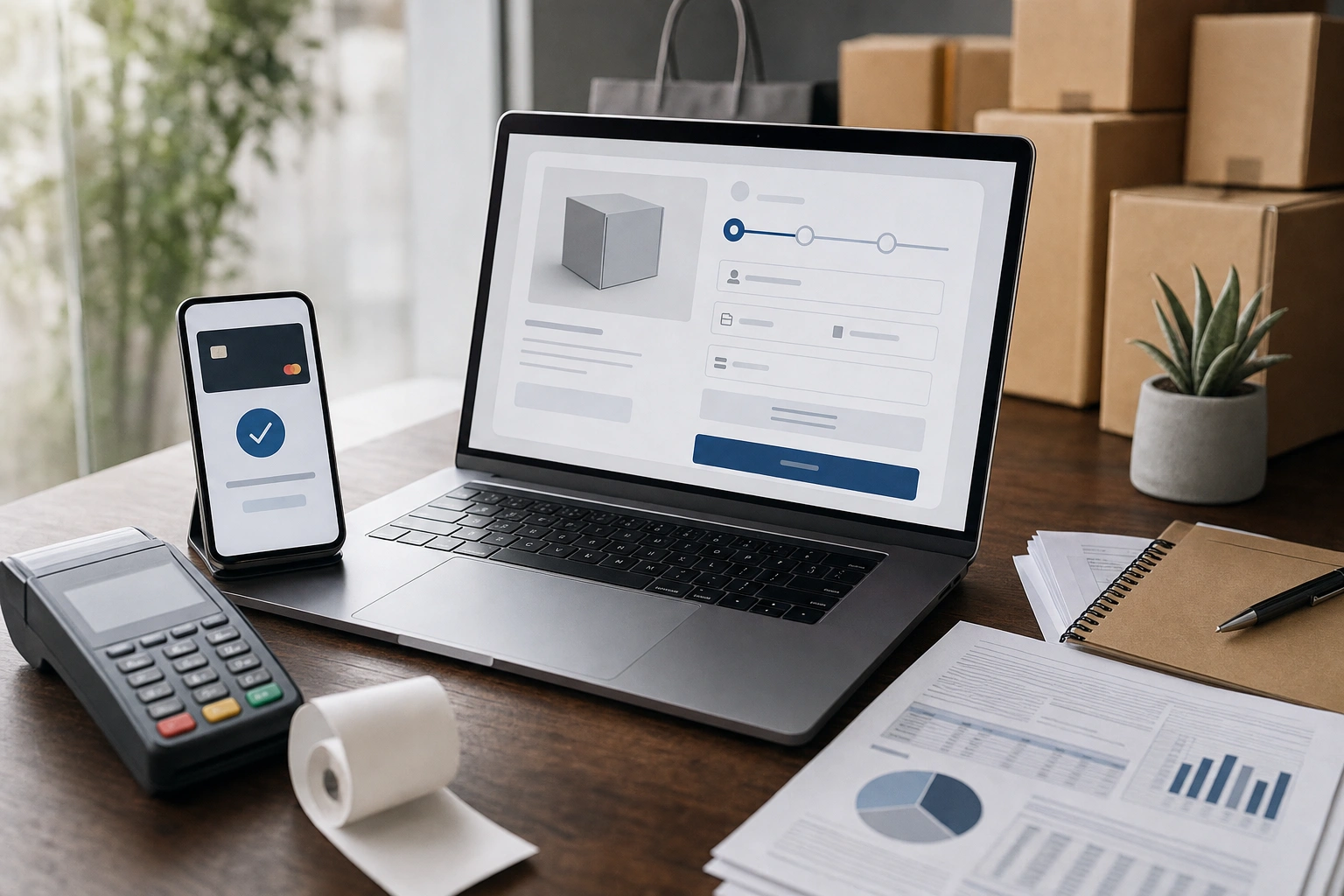
Digital payment systems allow customers to pay for products and services without exchanging physical cash. In e-commerce, they connect a buyer’s bank account, card, mobile wallet or other funding source with a merchant’s account, while several technology and financial institutions work behind the scenes to approve, protect and complete the transaction.
For a customer, the process may appear simple: enter payment details, confirm the purchase and receive an order notification. For a business, however, a payment involves multiple stages. Understanding those stages helps entrepreneurs choose suitable payment methods, reduce failed transactions, manage risk and reconcile sales accurately.
What Is a Digital Payment System?
A digital payment system is a combination of technology, financial accounts, communication networks and rules that enables money to move electronically between a payer and a recipient. It may support card payments, bank transfers, mobile money, digital wallets, direct debits, payment links and other electronic methods.
In an online shop, the system normally needs to do more than transfer money. It must:
- Present a convenient payment option to the customer.
- Collect and protect payment information.
- Check whether the payment can be approved.
- Confirm the result to the merchant and customer.
- Move funds to the merchant’s account.
- Record the transaction for accounting, customer service and reporting.
These functions may be provided by one company or shared among several organisations. A small online seller may use an e-commerce platform and a payment service provider, while a large retailer may connect directly to banks, card networks and fraud-management systems.
The Main Participants in a Digital Payment
Although the names vary by payment method and country, most digital transactions involve several key participants.
The customer or payer
The payer initiates the transaction using a card, bank account, mobile-money wallet or another source of funds. The payer may need to authenticate the payment with a PIN, password, one-time code, biometric confirmation or approval inside a banking or wallet application.
The merchant
The merchant is the business selling a product or service. It receives the payment notification, fulfils the order and eventually receives settled funds in its business account. The merchant is also responsible for displaying accurate prices, protecting customer information and handling refunds or disputes.
The payment gateway
A payment gateway is the technology that securely carries payment information between the merchant’s website or application and the organisations that process the payment. It may display a hosted checkout page, provide an application programming interface, or offer payment links and mobile interfaces.
The gateway does not always hold the money itself. Its central role is to transmit transaction information, apply security controls and return an approval, decline or other status to the merchant.
The payment service provider
A payment service provider, often called a PSP, brings together one or more payment methods and processing services. A PSP may support cards, mobile money, bank transfers and wallets through a single merchant integration. It may also provide fraud screening, dashboards, settlement reports and recurring-payment tools.
Banks, card networks and wallet operators
For a card payment, the issuing bank provided the customer’s card, while the acquiring bank or acquiring institution supports the merchant. A card network routes messages between them and applies network rules. For a bank transfer, the transaction may pass through a banking or payment switch. For mobile money, the wallet operator checks the customer’s balance and processes the transfer according to its system rules.
How an Online Card Payment Works
Consider a customer buying office supplies from an online shop using a debit card. The transaction usually follows these stages.
- Checkout begins. The customer selects the card option and enters the required information, or uses a stored payment token if the merchant supports one.
- Payment information is protected. The checkout page uses secure communication to send information to the gateway or payment processor. In a well-designed system, sensitive card details are handled by a specialist provider rather than stored directly by the merchant.
- An authorisation request is sent. The gateway forwards the transaction details to the acquiring institution, which routes the request through the card network to the customer’s issuing bank.
- The issuing bank checks the transaction. It may verify the card status, available funds or credit, transaction limits, authentication result and signs of unusual activity.
- The payment is approved or declined. The response travels back through the network to the merchant’s website. An approval normally means the funds have been authorised or placed on hold; it does not always mean the merchant has already received the money.
- The merchant fulfils the order. The system marks the payment as approved, subject to the merchant’s business rules. The seller may then reserve stock, arrange delivery or provide digital access.
- Clearing and settlement occur. Transactions are grouped and financial records are exchanged between the relevant institutions. After this process, the merchant receives the funds in its nominated account, less applicable fees, adjustments or refunds.
This distinction between authorisation and settlement is important. A customer may see an immediate approval, while the merchant’s bank account is credited later. A payment can also be authorised and subsequently reversed, refunded or disputed.
How Mobile Money and Wallet Payments Differ
Mobile-money and digital-wallet payments use a similar broad pattern but do not necessarily rely on card networks. The customer chooses the wallet or mobile-money option, enters a phone number or account identifier, and confirms the payment using the provider’s authentication method.
For example, an online customer in Kenya may select a mobile-money option, enter a phone number and approve a prompt on the phone. The provider checks the wallet balance and account status, then sends a result to the payment service or merchant. If approved, the wallet is debited and the merchant’s account is credited according to the provider’s settlement arrangement.
Wallet payments can be convenient because customers may not need to enter card details. They also create different operational requirements. The merchant must handle delayed confirmations, expired prompts, incorrect phone numbers, duplicate attempts and cases where a customer reports being charged although the website did not immediately receive the result.
Authorisation, Authentication and Verification
These terms are related but mean different things.
- Authentication checks whether the person attempting the payment is likely to be the legitimate account holder. Examples include a PIN, one-time password, biometric approval or device confirmation.
- Authorisation checks whether the payment may proceed, considering funds, account status, limits and risk controls.
- Verification is a broader term that may refer to confirming customer details, a phone number, an account, a business identity or a transaction result.
Online merchants may also use additional verification such as address checks, device information, transaction history and customer behaviour. These controls can reduce fraud, but overly aggressive checks may reject genuine customers. A good payment design aims to balance security with a smooth checkout experience.
What Happens When a Payment Fails?
Not every failed payment means the customer lacks money. A transaction can fail because a card has expired, the account has reached a limit, a wallet prompt timed out, the bank is unavailable, the customer entered incorrect details, the merchant’s account is restricted or the fraud system detected unusual behaviour.
Merchants should distinguish between different statuses rather than showing one vague message such as “payment failed”. Useful statuses include:
- Declined: the payment institution refused the request.
- Pending: the final result has not yet been confirmed.
- Cancelled: the customer or system stopped the payment.
- Authorised: the payment has received approval but may not yet be settled.
- Successful or settled: the system has confirmed completion under the relevant payment process.
- Reversed: an earlier authorisation was cancelled or released.
If a customer retries repeatedly, the merchant must prevent duplicate orders. A reliable system uses a unique transaction reference and checks the final payment status before fulfilling an order. It should also provide clear instructions, such as asking the customer to wait for a pending result rather than immediately submitting the payment again.
Fees and the Movement of Money
Digital payments are not free to operate. A merchant may pay a percentage of the transaction value, a fixed fee, a currency-conversion charge, a settlement fee, a refund fee or a charge related to a particular payment method. Pricing depends on the provider, country, industry, transaction volume, risk profile and contract.
The amount shown to a customer and the amount received by a merchant may therefore differ. For example, if a customer pays for a service, the payment provider may deduct its processing charge before sending the balance to the merchant. A business should understand whether fees are charged to the merchant, passed to the customer where permitted, or built into the product price.
Settlement timing also affects cash flow. Some methods provide near-immediate confirmation but settle later. Others may settle according to a scheduled cycle. Entrepreneurs should examine the provider’s settlement currency, cut-off times, minimum balances, reserve requirements and procedures for delayed or rejected settlements.
Security and Customer Protection
Security is shared among the merchant, payment provider, financial institutions and customer. Merchants should use reputable providers, secure their website and staff accounts, limit access to payment information and keep software updated.
One important technique is tokenisation. Instead of storing a usable card number, the merchant stores a token that represents the payment instrument within the provider’s system. If the merchant’s database is compromised, the token is generally less useful to an attacker than the original card details. Tokenisation does not remove every security responsibility, but it can reduce the amount of sensitive information the merchant handles.
Other useful controls include multi-factor authentication for administrator accounts, transaction limits, fraud alerts, secure web connections, audit logs and careful verification of refund requests. Staff should never ask customers to send full card details through ordinary email or messaging channels.
Customers also need clear information. An online shop should identify the business receiving payment, display the amount and currency before confirmation, provide a receipt or reference, and explain how to contact support. These practices reduce confusion and make it easier to investigate mistakes.
Refunds, Disputes and Chargebacks
A refund is usually initiated by the merchant, perhaps because an order was cancelled, returned or could not be fulfilled. The original payment method is normally used where possible, and the time taken for the customer to see the funds may depend on the provider.
A dispute occurs when a customer questions a transaction. In card systems, a chargeback is a formal process through which a transaction may be reversed after a claim such as unauthorised use or non-receipt of goods. The merchant may be asked to provide evidence, including an order record, delivery confirmation, customer communications or proof of service.
Good record-keeping is therefore part of payment management. Keep payment references, invoices, delivery evidence, refund approvals and relevant communication in a controlled system. Do not store unnecessary personal or payment data merely because it might be useful later.
Why Reconciliation Matters to a Business
Reconciliation means comparing payment records with orders, bank or wallet statements and accounting records. It helps a business confirm that every completed order has a corresponding payment and that every settlement has been recorded correctly.
A simple daily or weekly reconciliation process can follow these steps:
- Export orders from the e-commerce platform.
- Export transaction and settlement reports from the payment provider.
- Match records using a unique payment or order reference.
- Check fees, taxes, refunds, reversals and currency differences.
- Investigate unmatched items, duplicate orders and pending payments.
- Record the final amounts in the accounting system.
Reconciliation is especially important when a business accepts several methods. A card payment, bank transfer and mobile-money payment may appear in different reports and settle at different times. Without a consistent reference system, the business may accidentally fulfil unpaid orders or treat one payment as two sales.
Choosing a Payment System for E-Commerce
The cheapest provider is not automatically the best choice. Evaluate the system against the customers you serve and the way your business operates.
- Customer coverage: Does it support the cards, wallets, bank accounts and currencies your customers actually use?
- Integration: Can it connect reliably with your website, shopping cart, invoicing software and accounting tools?
- Reliability: Does it provide clear statuses, service updates and a method for checking delayed transactions?
- Security: Does it offer appropriate authentication, tokenisation, fraud controls and access management?
- Settlement: When and in what currency will you receive funds?
- Support: Can you obtain help during failed payments, disputes and settlement problems?
- Reporting: Are transaction, fee, refund and settlement reports detailed enough for reconciliation?
- Customer experience: Is checkout usable on mobile devices, with clear instructions and minimal unnecessary steps?
Before launch, test successful payments, declines, timeouts, cancellations, refunds, duplicate attempts and delayed notifications. Test on the devices and networks commonly used by your customers, not only on the business owner’s computer.
Applying This in Practice
Imagine a Nairobi-based business selling training courses online to customers in Kenya and abroad. It could offer mobile money for local customers, cards for international buyers and bank transfer for organisations purchasing several seats.
The business should first decide which payment methods its audience needs. It would then connect a suitable provider, configure product prices and currencies, and create an order process with a unique reference for each purchase. After a customer pays, the system should wait for a trusted confirmation rather than relying only on the customer returning to the website.
Next, the business should define what happens when payment is pending. It might reserve a course place temporarily, send a confirmation message when the provider reports success, and release the reservation if the payment later expires. Staff should have a dashboard showing order status, payment reference, amount, method, refund status and settlement date.
Finally, the owner should reconcile provider reports with course enrolments and bank statements. This makes it easier to identify unpaid access, duplicate enrolments, missing settlements and unexplained fees. The same principles apply to online shops, subscription services, event tickets and professional services.
Key Takeaways
- A digital payment involves the customer, merchant, gateway, payment provider and relevant banks, networks or wallet operators.
- Authorisation confirms that a payment may proceed; settlement is the later movement of funds to the merchant.
- Mobile money, cards, bank transfers and wallets have different customer experiences, failure points and settlement processes.
- Use clear transaction references and payment statuses to prevent duplicate orders and incorrect fulfilment.
- Compare providers by customer coverage, security, integration, support, reporting, fees and settlement timing.
- Reconcile orders, provider reports, refunds, fees and bank or wallet statements regularly.
No comments yet.