
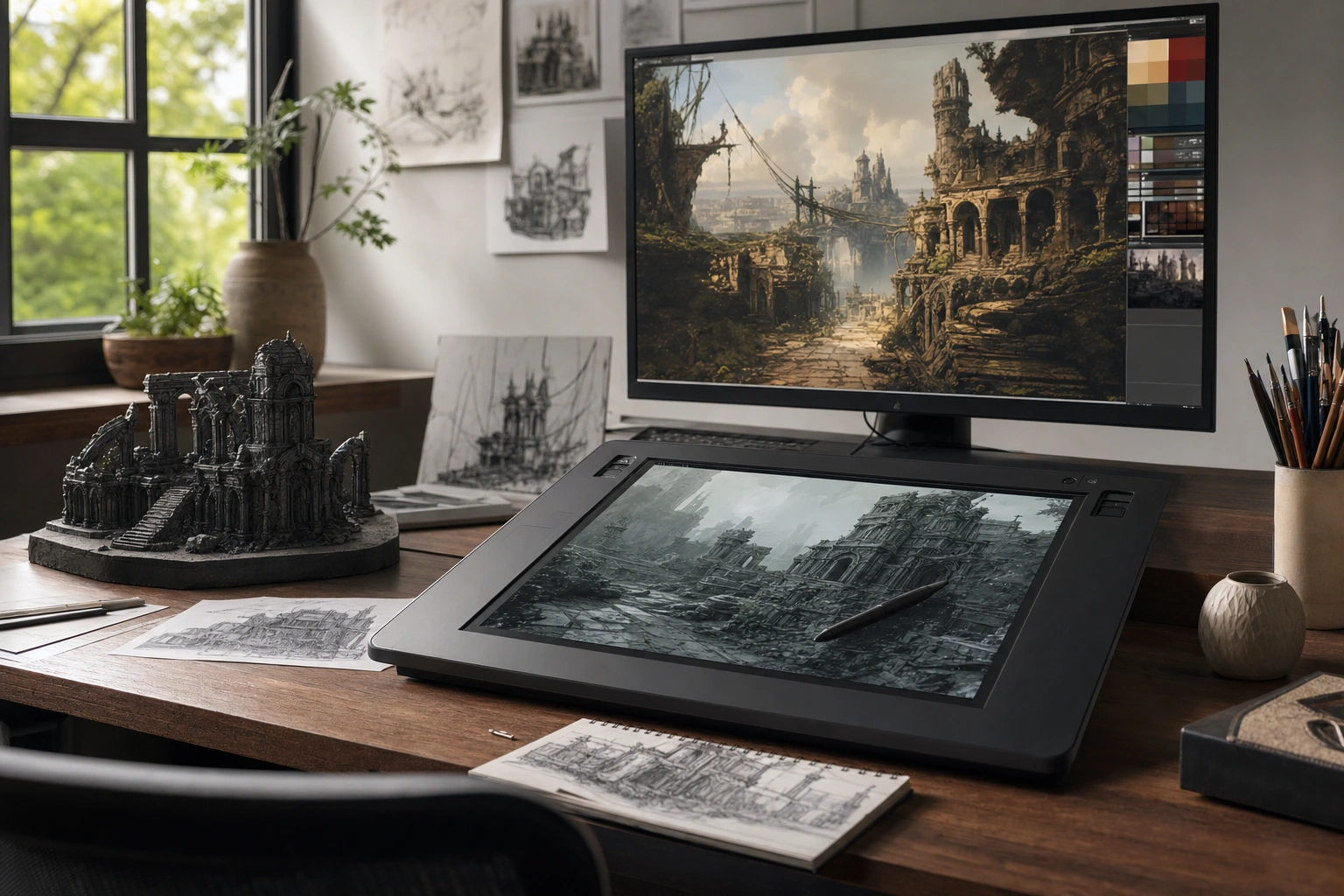
Digital art is now part of almost every modern media experience. It appears in film environments, animated adverts, video-game worlds, social-media illustrations, online publications, product packaging and virtual experiences. Although the finished work may look similar to traditional drawing, painting or photography, digital art is created, edited or presented using digital tools and processes.
Understanding how digital art is used helps learners, entrepreneurs and media professionals make better creative decisions. It also shows why the field requires more than technical software knowledge. Strong digital art combines visual communication, storytelling, design judgement, cultural awareness and an understanding of the audience and platform.
What Digital Art Means
Digital art is artwork created or significantly developed with computers, tablets, cameras, digital software or other electronic technologies. A creator might draw with a stylus, manipulate photographs, build a three-dimensional model, animate a sequence or generate visual effects for a video. The work may remain entirely digital or be transferred into a physical form such as a printed poster, product label or exhibition display.
The term covers many practices rather than one single style. A digital painting can imitate the appearance of oil paint or watercolour, while vector illustration uses clean shapes and lines that can be enlarged without losing quality. Three-dimensional modelling creates objects and environments, whereas motion graphics combine design, text and movement. These forms may be used separately, but modern media projects often combine several of them.
Digital art should also be distinguished from simply using a digital device to record something. A photograph taken with a phone may be a digital image, but it becomes digital art when the creator applies deliberate artistic choices through composition, lighting, manipulation, retouching or combination with other visual elements. The boundary is not always fixed; purpose, process and creative intention all matter.
Major Forms of Digital Art
Digital illustration and painting
Digital illustration is used to communicate an idea through drawn or painted imagery. Artists work with brushes, layers, masks and colour tools to create editorial illustrations, character designs, concept art, posters and educational visuals. Digital painting can reproduce the texture of pencils, ink, charcoal or paint while also allowing rapid revisions.
Layers are especially useful. An illustrator can keep the background, characters, shadows and highlights on separate layers, making it easier to adjust one part without damaging the rest. This flexibility is valuable in commercial work, where a client may request changes to colour, composition or subject matter.
Vector graphics
Vector art is built from mathematically defined points, curves and shapes rather than fixed pixels. This makes it suitable for logos, icons, diagrams, maps, signage and illustrations that must appear clearly at many sizes. A symbol designed for a small mobile screen can be adapted for a billboard without becoming visibly blurred.
Vector design is not limited to corporate graphics. It can also create expressive illustrations, patterns and digital collages. Its clean structure makes it particularly useful when clarity, consistency and reproduction across different formats are important.
Digital photography and image manipulation
Digital photography is widely used in journalism, advertising, fashion, e-commerce, publishing and social media. Editing software allows creators to correct exposure, improve colour balance, remove distractions, combine images or create an entirely new visual composition.
Responsible editing is important. In advertising or creative campaigns, extensive manipulation may be expected, but audiences should not be misled in contexts such as news, documentary work or public information. A professional creator must understand the difference between enhancement, artistic transformation and deceptive alteration.
Three-dimensional art and CGI
Three-dimensional, or 3D, art involves modelling objects, characters, buildings and environments in digital space. Artists then apply materials and textures, position lights and render images or animation. Computer-generated imagery, commonly called CGI, is used in films, television, games, product visualisation, architecture and advertising.
For example, a company developing a new household product might use a 3D model to show the product before manufacturing begins. A filmmaker might build a digital environment that would be expensive, unsafe or impossible to construct physically. In both cases, the artwork supports a practical communication goal as well as an aesthetic one.
Animation and motion graphics
Animation gives movement to drawings, illustrations, objects or 3D models. Motion graphics focus particularly on moving design elements such as titles, diagrams, logos, interface demonstrations and data visualisations. They are common in television introductions, online explainers, adverts and social-media videos.
Motion changes how an audience understands information. A static diagram may show the parts of a machine, while animation can demonstrate how those parts operate. Timing, rhythm and transitions guide attention, so motion should serve the message rather than distract from it.
Interactive and immersive art
Some digital artworks respond to user actions. Interactive websites, installations, games, virtual-reality environments and augmented-reality filters allow audiences to explore or influence what they see. In these forms, the creator designs not only the image but also the experience of moving through it.
Interactive art requires attention to usability. A visually impressive experience can still fail if controls are confusing, loading demands are excessive or important information is inaccessible. Successful work balances artistic expression with clear navigation and responsive design.
How Digital Art Is Used in Modern Media
Film and television
Digital art supports nearly every stage of screen production. Concept artists visualise characters, costumes, props and locations before filming. Storyboard artists plan camera angles and sequences. Set designers may use digital environments to test ideas, while visual-effects artists add elements that were not captured by the camera.
Digital compositing brings separate elements together into one believable frame. A performer might be filmed against a controlled background and later placed in a detailed environment. Colour grading then establishes a consistent mood across scenes. These processes show that digital art is often collaborative: concept artists, animators, editors, cinematographers and visual-effects specialists contribute to one final image.
Advertising and brand communication
Advertisers use digital art to make products recognisable and messages memorable. A campaign may include illustrated characters, retouched photographs, animated social posts, 3D product renders and short video adverts. Digital production makes it easier to adapt a central idea for different screen sizes and platforms.
For a small Kenyan food business, for instance, a designer might create a distinctive illustrated identity, prepare product images for an online shop and animate a short promotional clip for social media. The same visual language can be adapted across packaging, digital adverts and printed materials, helping the business appear consistent without requiring every asset to be created from the beginning.
Video games
Games depend on digital art for characters, environments, objects, menus, maps and visual effects. Artists must consider both appearance and performance. A highly detailed model may look excellent in a close-up but be unsuitable for a device with limited processing power. Game art therefore involves choices about polygon count, texture size, lighting and animation.
Game artists also design for interaction. A character must communicate movement and emotion, while an interface must tell players what actions are possible. Visual consistency helps players understand the game world and distinguish important objects from background decoration.
Social media and online publishing
Digital art is central to the fast-moving visual culture of social media. Illustrations, short animations, infographics, thumbnails and edited photographs compete for attention on small screens. Creators must consider cropping, contrast, legibility and the fact that many people view content without sound.
Online publishers use digital illustrations to explain complex subjects, add emotional context to stories and give articles a distinctive identity. An effective visual does not merely decorate a page; it helps readers understand or remember the subject. A health educator, for example, might use a carefully designed diagram to explain a process more clearly than a long paragraph alone.
News, documentary and public information
Digital maps, data visualisations, diagrams and reconstructions help media organisations present information. These forms can make relationships, locations and changes easier to understand. However, accuracy and transparency are essential. A visual should not exaggerate a pattern, hide uncertainty or imply that an imagined reconstruction is original footage.
Architecture, fashion and product design
Designers use digital art to test ideas before building or manufacturing them. Architects create rendered views of proposed spaces, fashion designers visualise garments and product teams explore shape, colour and materials through digital prototypes. This reduces the need to produce every physical variation during the earliest stages of development.
Digital visualisation also improves communication between professionals and clients. A client may struggle to interpret technical drawings but understand a rendered image showing how a room, building or product could look in context.
The Digital Art Production Workflow
Although workflows differ, most professional projects follow a sequence of decisions.
- Define the communication goal. Identify what the artwork must achieve, who will see it and where it will appear. A poster, phone screen and cinema display have different requirements.
- Research the subject and audience. Gather visual references, confirm factual details and consider cultural meaning. Research reduces accidental stereotypes and helps the creator choose appropriate visual language.
- Develop concepts. Sketches, mood boards and written descriptions allow the team to compare ideas before investing significant production time.
- Choose the right medium. Illustration may suit an editorial explanation, photography may communicate a real product, and 3D modelling may be better for an object that must be viewed from several angles.
- Create and refine the artwork. Artists build the image, animation or environment using suitable tools. Feedback is used to improve composition, colour, clarity and technical quality.
- Prepare the final files. The creator checks dimensions, resolution, colour settings, file format, compression and accessibility. A design that looks correct on a high-quality monitor may need adjustment for a compressed mobile image.
- Review rights and permissions. Images, fonts, music, models, locations and software assets may have usage conditions. Professional practice includes keeping records of original work and licensed resources.
This workflow explains why revisions are normal rather than a sign of failure. Digital tools make changes possible, but they do not remove the need for planning. A weak concept remains weak even when it is technically polished.
Skills Needed in Digital Art
Technical skill is important, but it is only one part of effective digital art. Visual fundamentals such as composition, colour, form, perspective, contrast and typography help creators make deliberate choices. Storytelling helps them organise those choices around a clear message.
Platform awareness is equally valuable. A designer creating an infographic for a phone must prioritise readability at a small scale. An animator producing a short advert must establish the message quickly. A 3D artist preparing a model for a game must understand the technical limits of the target device.
Professional practice also requires communication and file organisation. Artists often work with clients, editors, developers, producers and printers. Clear naming, version control, useful feedback and reliable deadlines can be as important as visual talent. Accessibility should be considered through sufficient contrast, readable type, captions for video and alternatives for essential visual information.
Benefits and Challenges of Digital Art
Digital art offers speed, flexibility and reproducibility. Artists can save versions, test alternatives, collaborate remotely and adapt one asset for several channels. Businesses can preview products before production, while educators can update diagrams more easily than hand-drawn materials.
However, digital tools can also create challenges. Software subscriptions, hardware, storage and training may be costly. Rapid technological change can make workflows difficult to maintain. Easy copying raises questions about ownership and attribution. Templates and automated effects may also produce work that looks generic when a project needs a distinctive identity.
Another challenge is the pressure to produce content quickly. Speed should not replace research, craft or ethical judgement. Whether an artist uses a basic tablet or an advanced 3D workstation, the quality of the result depends on the clarity of the idea and the care given to execution.
Applying This in Practice
When planning a digital-art project, start with a brief rather than a software choice. Write down the audience, message, platform, required dimensions, deadline and review process. Then ask which visual form communicates the idea most directly.
- For a local business advert, prioritise a clear product image, readable information and a visual style that can be reused consistently.
- For an educational article, use diagrams or illustrations to explain relationships, processes or unfamiliar terms.
- For a short film, plan visual effects and digital environments alongside the storyboards rather than treating them as an afterthought.
- For a game prototype, test whether the artwork remains clear and responsive on the intended device.
- For a social-media campaign, create a small set of adaptable assets instead of unrelated images that lack a common identity.
A useful review asks three questions: Can the audience understand the message? Does the visual design support the purpose? Is the artwork technically and ethically ready for its intended use? These questions help creators move beyond decoration towards purposeful communication.
Key Takeaways
- Digital art includes illustration, photography, vector graphics, 3D modelling, animation and interactive experiences.
- Modern media uses digital art in film, advertising, games, publishing, public information, architecture and product design.
- The strongest projects begin with a communication goal, audience research and a suitable choice of medium.
- Digital artwork must be adapted to its platform, including screen size, resolution, performance and accessibility needs.
- Technical skill works best when combined with visual fundamentals, storytelling, collaboration and ethical judgement.
- Responsible creators check permissions, protect accuracy and avoid using digital manipulation to mislead audiences.
No comments yet.