
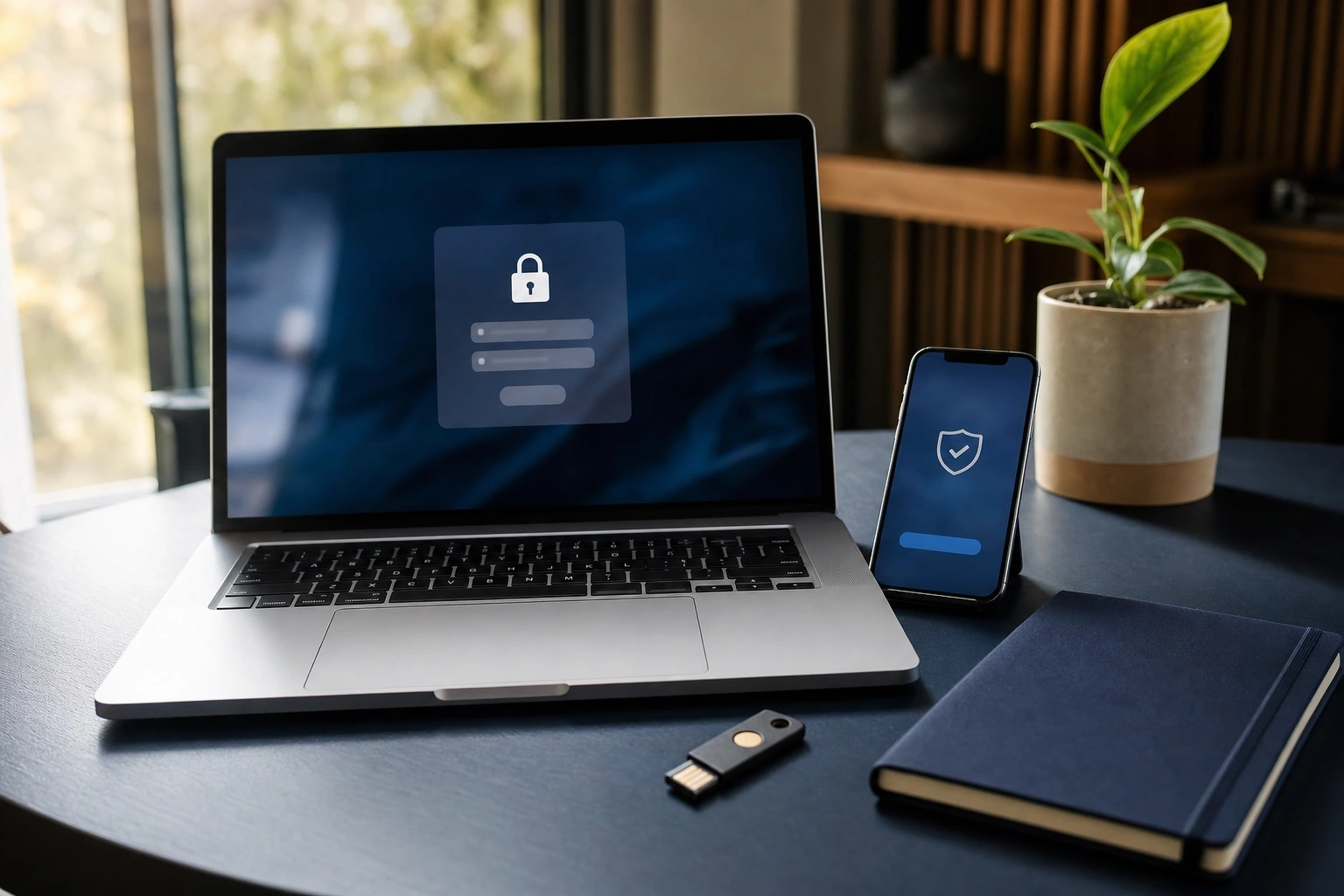
Passwords are still the main gate protecting many of the accounts people use every day: email, online banking, social media, cloud storage, shopping platforms and workplace systems. When a password is weak, reused or exposed, an attacker may gain access not only to one service but also to other accounts connected to the same credentials.
Password security is therefore more than choosing a complicated word. It involves creating a credential that is difficult to guess, keeping it private, using a different one for every important account, recognising attempts to steal it, and adding other forms of verification where possible. These habits are useful whether you are managing personal accounts, running a small business in Kenya, or supporting a larger organisation.
What Password Security Means
Password security refers to the practices and technologies used to prevent unauthorised access through passwords. It covers the whole life of a password: how it is created, transmitted, stored, used, changed and recovered.
A secure password should resist several types of attack. An attacker may try common words, personal details, predictable patterns or large lists of previously exposed passwords. They may also trick the account owner into revealing the password through a fake message or website. Good security must address both technical guessing and human deception.
Password security has two important sides:
- Credential strength: the password should be difficult to guess or crack.
- Credential protection: the password should not be reused carelessly, shared, typed into fake websites or stored where others can easily find it.
A long password that is publicly shared is not secure. Likewise, a carefully created password becomes a serious weakness if it is used for email, banking and social media at the same time.
Why Password Security Matters
Online accounts are connected. Your email account may be used to reset passwords for other services. A business administrator account may provide access to customer records, invoices, social media pages or cloud documents. A compromised account can therefore create consequences beyond the first service that was attacked.
For an individual, an intruder might read private messages, impersonate the account owner, make unauthorised purchases or lock the owner out. For a business, compromised credentials can expose confidential information, disrupt operations or allow fraudulent requests to be sent to customers and suppliers.
Consider a small enterprise that uses one email address to manage its website, payment notifications and social media page. If the same password is reused across all these services and an attacker obtains it from one breached platform, the attacker can try it elsewhere. The problem is not only that the password was weak; it is that one stolen credential became a master key.
How Passwords Are Attacked
Guessing common passwords
Attackers do not always need advanced tools. They can begin with common passwords, familiar phrases and predictable substitutions such as replacing a letter with a number. Names, birthdays, telephone numbers, football teams, business names and local place names are also poor choices when they can be linked to the account owner.
A password such as “Nairobi2024” may look varied, but its structure is easy to predict. Adding a number or symbol to a familiar word does not automatically make a password strong.
Credential stuffing
Credential stuffing occurs when attackers use usernames and passwords obtained from one incident to attempt access to other services. It works because many people reuse passwords or make only small changes between accounts.
Unique passwords limit the damage. If a shopping account is compromised, a different password for email or online banking prevents the exposed credential from opening those accounts as well.
Brute-force and automated attacks
In a brute-force attack, software tries many possible combinations. Longer passwords generally provide more possible combinations, especially when they are not based on predictable information. Account protections such as login limits, temporary delays and multi-factor authentication can make automated attempts less useful.
Phishing and social engineering
Phishing is often more effective than guessing. An attacker may send a message claiming that an account will be closed, a payment has failed or an urgent verification is required. The message directs the recipient to a convincing copy of a genuine login page.
If the victim enters the password on that page, the attacker receives it directly. A strong password does not protect someone who willingly types it into a fraudulent website. Check the web address carefully, avoid signing in through unexpected links and contact the organisation through a trusted channel when a request seems urgent or unusual.
What Makes a Password Strong?
Length is one of the most useful qualities of a password. A long passphrase made from several unrelated words can be easier to remember and harder to guess than a short password filled with symbols. For example, a person might create a private phrase involving unrelated objects, actions and places, then avoid using a familiar quotation or information visible on social media.
A strong password should be:
- Long: use enough characters to make guessing difficult.
- Unique: do not use it for another account.
- Unpredictable: avoid names, dates, keyboard patterns and common phrases.
- Private: never send it through ordinary messages or disclose it to someone claiming to be support without independent verification.
Do not rely on rules such as changing the final number each year. Predictable changes can be discovered quickly, especially when an attacker knows an older password. If a service requires periodic changes, create a genuinely different password rather than making a minor adjustment.
Why Every Important Account Needs a Different Password
Password uniqueness is a form of damage control. It prevents one exposed password from unlocking several accounts. Prioritise unique, strong passwords for email, financial services, workplace accounts, cloud storage, password managers and any account used to reset other credentials.
Not every account carries the same risk, but convenience should not lead to dangerous reuse. If remembering many passwords is difficult, use a reputable password manager rather than keeping a single password for everything.
Using a Password Manager
A password manager is an application designed to store and generate passwords. It can create long, random credentials for individual websites and remember them so that the user does not have to memorise every password.
To use one safely:
- Choose a well-established password manager and download it from an official source.
- Create a strong, unique master password or passphrase that you can remember.
- Protect the manager with multi-factor authentication if that option is available.
- Save each account under its correct website or service and allow the manager to generate unique passwords.
- Review stored accounts occasionally and replace passwords that are old, reused or known to have been exposed.
The master password deserves special attention because it protects the password manager itself. Do not reuse it elsewhere, and do not store it in an easily visible note beside your computer. When setting up recovery options, choose secure methods and protect recovery codes as carefully as passwords.
Multi-Factor Authentication Adds Protection
Multi-factor authentication, often called MFA or two-step verification, requires more than one type of evidence before access is granted. The factors commonly involve something you know, such as a password; something you have, such as a phone or security key; or something you are, such as a fingerprint.
MFA helps because a stolen password alone may not be enough to sign in. For example, an attacker who obtains a password from a fake login page may still be stopped if the account requires approval on the owner’s device.
Enable MFA first on email, financial, workplace and administrator accounts. Authenticator applications and physical security keys can provide strong protection. Text-message codes may be useful where other options are unavailable, but protect the phone number and account recovery process as well. Never approve a sign-in request you did not initiate, and never share a verification code with someone who contacts you unexpectedly.
Safe Password Habits at Work
Organisations should treat password security as a process rather than an instruction to “be careful”. Staff need clear procedures for creating accounts, reporting suspicious messages, recovering access and removing access when someone leaves the organisation.
Businesses should give each worker an individual account instead of relying on shared credentials. Individual accounts improve accountability and make it possible to remove one person’s access without disrupting everyone else. Administrative privileges should be limited to people who need them, and important systems should use MFA.
Managers should also be cautious about passwords shared through spreadsheets, email or messaging groups. A better approach is to use approved access-management tools and define who may access sensitive systems. Training should include realistic examples: a supplier asking for a password reset, a message requesting an urgent payment, or a login page with a slightly altered web address.
What to Do If a Password May Be Exposed
Act promptly if you entered a password on a suspicious website, received an unexpected login alert or learn that a service holding your account information was affected by a security incident.
- Change the exposed password immediately, beginning with the affected account.
- Change it anywhere else it was reused, using a different password for every service.
- Secure the email account connected to password recovery.
- Enable MFA and review the account’s active sessions, devices and recovery details.
- Look for unfamiliar messages, forwarding rules, purchases or profile changes.
- Contact the service through its official website or support channel if you cannot regain control.
Do not wait for proof of financial loss before acting. An unfamiliar login notification, a password-reset email you did not request or a message sent from your account can be an early warning.
Applying This in Practice
Use the following short review to improve your own security today:
- List your most important accounts, starting with email, financial services and work systems.
- Mark any account where you reuse a password or use a predictable variation.
- Replace those credentials with unique passwords or manager-generated passwords.
- Turn on MFA, beginning with accounts that can reset other passwords.
- Check recovery email addresses, telephone numbers, logged-in devices and active sessions.
- Practise checking links before signing in, especially when a message creates urgency.
For a Kenyan entrepreneur, this review might include a business email account, mobile-money or banking services, an online shop, social media pages and cloud accounting tools. The same principle applies globally: secure the accounts that control money, identity, communication and recovery before less important accounts.
Key Takeaways
- Use a long, unpredictable and unique password for every important account.
- Password reuse allows one exposed credential to threaten several services.
- Password managers make it practical to create and store different strong passwords.
- Multi-factor authentication provides protection when a password is stolen.
- Phishing can defeat even a strong password, so inspect unexpected links and requests.
- If a password may be exposed, change it, secure related accounts and review active access promptly.
No comments yet.